AI for Developers in 2026: A Practical Playbook for Planning, Coding, Debugging and Shipping Faster
How developers can use AI models and coding agents to plan, code, review, test and debug faster — with prompt templates, model tips, workflows and guardrails.

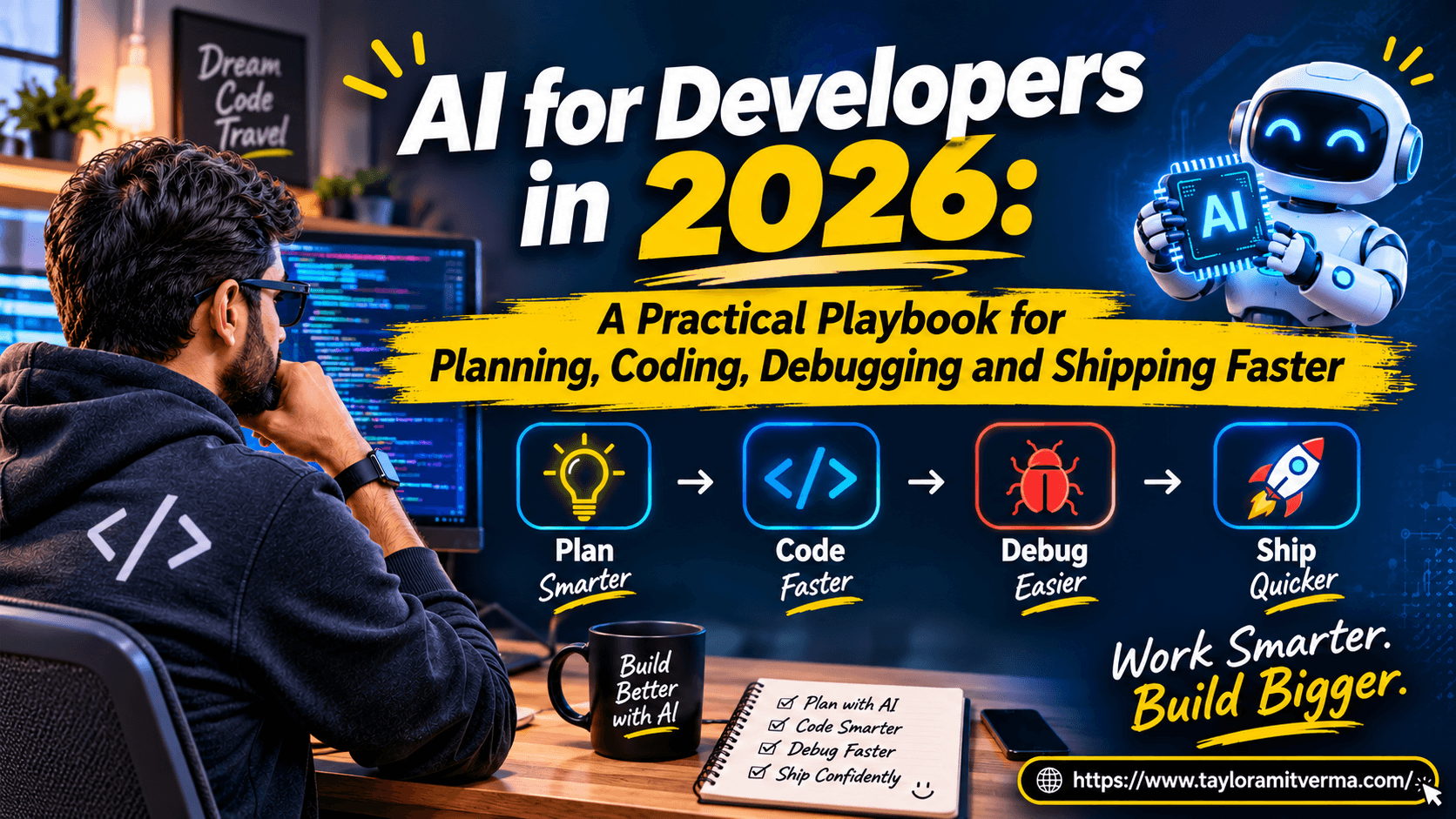
AI won't make you a 10x engineer on its own. A good workflow will. This is the workflow I actually use — for planning, coding, debugging and shipping — with the prompts, the guardrails and the mistakes I made along the way.
I recently rebuilt this entire site — new design system, new hero, a redesigned blog, a performance audit and a dozen bug fixes — working alongside an AI coding agent. It was the clearest demonstration I've had of what AI is good at, what it is bad at, and how much the difference depends on how you use it.
The productivity gain wasn't "AI writes the code". It was that every step of the work — reading unfamiliar code, forming a plan, measuring a problem, checking a fix — got faster, because I had a tireless collaborator for each of them. This post is the playbook I've settled on as a UI architect: what to use AI for across the whole development lifecycle, how to pick a model, how to prompt it, and where to keep your hands on the wheel.
The mental model: a fast collaborator with no context
The most useful way I've found to think about an AI coding assistant: a very fast, very well-read collaborator who has never seen your project.
That framing explains almost everything:
- It's fast and broad. It knows most languages, frameworks and APIs well enough to draft code, explain errors and suggest approaches in seconds.
- It lacks your context. It doesn't know your architecture, your conventions, your constraints or why that strange workaround exists — unless you tell it or let it read the code.
- It's confidently wrong sometimes. It will occasionally invent an API, misremember a version's behaviour or "fix" a symptom instead of the cause. Fluent output is not the same as correct output.
So the job isn't to write prompts that produce perfect code. The job is to give good context, ask for verifiable steps, and check the results — the same things that make you effective with any new teammate.
Choosing the right AI model for the job
Every major provider now ships a family of models rather than a single one. The names change every few months; the trade-off doesn't. Think in three tiers:
- Fast, low-cost models — for autocomplete, renaming, boilerplate, converting formats, summarising logs and bulk edits. Quick enough to stay in your flow; cheap enough to use constantly.
- Balanced models — the everyday default for chat and agent work: writing features, explaining code, writing tests, reviewing a diff.
- Frontier reasoning models — for the hard parts: architecture decisions, subtle bugs, large refactors, anything where a wrong answer is expensive. Slower and pricier, so reserve them for problems that deserve them.
Two other properties matter as much as raw intelligence:
- Context window — how much code and documentation the model can consider at once. Large windows let an agent read several files, a stack trace and the relevant docs together, which is often the difference between a guess and a correct fix.
- Tool use — whether the model can run commands, read files, search and call APIs (often through MCP servers). An agent that can run the test is far more useful than one that can only imagine the test output.
My rule of thumb: start with the balanced tier, escalate to a reasoning model when you're stuck or the stakes are high, and drop to the fast tier for repetitive work. Benchmarks change monthly; your own results on your own codebase are the benchmark that matters.
1. Planning: from a vague idea to a spec you can build
Most wasted engineering time comes from building the wrong thing, not from typing slowly. AI is excellent at turning a fuzzy request into something concrete — if you ask it to interview you instead of answer you.
1I want to build: [one-paragraph description of the feature].
2
3Before proposing a solution, ask me up to 8 questions that would change
4the design — users, scale, edge cases, constraints, integrations.
5After I answer, write:
61. A short spec with acceptance criteria (Given / When / Then)
72. Edge cases and failure modes
83. What is explicitly out of scope
94. Open questions I still need to answer
The questions are the valuable part. They surface the decisions you would otherwise make by accident halfway through the implementation.
I use the same approach for estimates and breakdowns: give the AI the spec and ask it to split the work into small, independently shippable tasks, each with a definition of done. It's rarely perfect, but editing a decent plan is much faster than writing one from scratch.
2. Architecture: ask for trade-offs, not answers
For design decisions, the worst prompt is "what's the best way to do X?" — you get a confident, generic answer. Ask the model to argue instead:
1Here is my proposed design: [summary, or paste the relevant code/diagram].
2Constraints: [team size, traffic, budget, existing stack].
3
41. Give me two realistic alternatives.
52. Compare all three on complexity, cost, failure modes and how hard
6   they are to change later.
73. Argue against my design as a skeptical senior reviewer would.
84. Tell me what you would need to know to be confident.
Point 3 is the one I value most. It's how I decided to build my portfolio's AI assistant with BM25 retrieval instead of a vector database: when the model argued against embeddings for a 25-document corpus, the case for the simpler design became obvious. I wrote that decision up in I Built a RAG Chatbot Without a Vector Database.
3. Coding with AI: autocomplete, chat and agents
There are three ways to code with AI, and each fits a different job:
- Inline autocomplete (GitHub Copilot, Cursor and similar) — best for the next few lines of code you already know how to write. It removes typing, not thinking.
- Chat — best for explaining code, exploring options and drafting a self-contained function or component you'll paste and adapt.
- Coding agents (Claude Code, Cursor's agent mode, Copilot's agent features and others) — best for multi-step work: read the relevant files, make changes across them, run the type-checker and tests, and iterate until they pass.
Agents are where the biggest gains are, and also where the biggest messes come from. Three habits make the difference.
Give the agent a project brief
Agents read instruction files from your repository — AGENTS.md, CLAUDE.md or the tool's equivalent. This is the highest-leverage file you can write: every session starts with your conventions instead of guessing them.
Frameworks have started shipping these too. When I run next dev on Next.js 16, it adds a note to my AGENTS.md telling agents to read the docs bundled in node_modules/next/dist/docs/ because the APIs differ from what models were trained on. That single line prevented several wrong answers during my redesign.
A good brief is short and specific:
1# Project brief for AI agents
2
3## Stack
4Next.js 16 (App Router), React 19, TypeScript, Tailwind CSS, Payload CMS 3, MongoDB.
5
6## Commands
7- Type-check: `npx tsc --noEmit`
8- Lint: `npx eslint <paths>`
9- Never run `pnpm build` without asking (it regenerates tracked files).
10
11## Conventions
12- Colours come from CSS variables in globals.css — never hard-code hex values.
13- Server components by default; add 'use client' only when needed.
14- Every change must pass type-check and lint before you report it done.
15
16## Don't
17- Don't edit `.env` or print secrets.
18- Don't commit or push — I review and commit myself.
Work in small, verifiable steps
Asking an agent to "redesign the homepage" produces a large diff you can't review properly. Asking it to "replace the hero image with a code-editor card, then type-check and screenshot it at three widths" produces something you can check in a minute. Small diffs plus an automatic check — a type-check, a test, a screenshot — is the loop that makes agents trustworthy.
Make it show its work
Ask the agent to explain why before it changes anything non-trivial, and to report what it verified afterwards. "Fixed it" is not a status. "Type-check passes, the test now covers the empty-input case, and the page renders without errors at 390 px and 1440 px" is.
4. Debugging: let the AI measure, not guess
This is where AI agents surprised me most. When debugging, models are at their worst when they speculate and at their best when they run experiments.
During my site's performance audit, every page was served with cache-control: no-store and never cached by the CDN. A first guess (a noStore() call in the footer) was a real problem, but fixing it changed nothing. Instead of guessing again, the agent ran a production build to see which routes were static and which were dynamic, then compared the dynamic routes with the static ones. The common factor was Redis: the Upstash client defaults every request to cache: 'no-store', and in Next.js a no-store fetch silently makes the whole route dynamic. One line of configuration fixed it — after two wrong theories had been ruled out by evidence rather than argument.
That's the pattern to ask for:
1Bug: [what happens] — expected: [what should happen].
2Evidence: [error message, logs, steps to reproduce].
3
4Don't fix anything yet. List the 3 most likely causes, and for each,
5the quickest experiment that would confirm or rule it out.
6Then run the experiments (or tell me exactly what to run) and report
7what the evidence shows before proposing a fix.
I collected seven bugs like this one — all of them "silent", none throwing an error — in 7 Silent Bugs I Found Redesigning My Next.js Portfolio.
5. Code review and testing
AI makes a good first reviewer — not the last one. Before I open a pull request, I ask for a focused review of the diff:
1Review this diff as a senior engineer. Focus only on:
2- bugs and unhandled edge cases
3- security issues (injection, auth, secrets, unsafe input)
4- performance problems
5- behaviour that differs from the stated intent: [one line]
6Ignore style and naming. For each finding, quote the line and explain
7the concrete failure scenario. If you're not sure, say so.
Restricting the scope matters. An unfocused review produces twenty style nits; a focused one finds the null case you missed.
For tests, generate them from acceptance criteria, not from the implementation. Tests written by reading the code tend to assert what the code does, including its bugs. Tests written from the spec assert what it should do. I paste the acceptance criteria from the planning step and ask for unit tests covering each one plus the edge cases — then I read every assertion, because a test that passes for the wrong reason is worse than no test.
6. Documentation, commits and communication
The unglamorous work is where AI saves the most cumulative time:
- Commit messages and PR descriptions from a diff — then edited to explain why, which the model can't know.
- Release notes and changelogs rewritten for different audiences: engineers, product managers, customers.
- READMEs and onboarding docs generated from the code, then checked against reality.
- Stakeholder updates: paste your rough notes and ask for a five-line status with risks and decisions needed.
The rule here is the same as for code: AI drafts, you own it. Never send something you haven't read.
7. Learning a codebase or a new technology
Joining a project or picking up a new platform used to mean days of reading. Now my first hour with an unfamiliar codebase is a conversation with an agent that can read it:
- "Map this repository: main modules, how a request flows through them, where the data lives."
- "Where is X implemented, and what calls it?"
- "Explain this file to someone who knows React but not this framework."
Then I verify the map by reading the files it points to. The AI gets me oriented in minutes; reading the code is still how I learn it properly. The same works for new technology: ask for a learning path built around a small project you actually need, not a generic tutorial.
Prompt patterns that consistently work
Across all of these tasks, the same structure produces better results:
- Context — the stack, the relevant code, what you've already tried.
- Goal — what "done" looks like, ideally testable.
- Constraints — what must not change, versions, conventions, performance limits.
- Output format — a diff, a checklist, a table, a plan with steps.
- Assumptions — ask the model to state them, so you can correct them early.
1Context: Next.js 16 app, TypeScript, Tailwind. File: [paste or path].
2Goal: [specific outcome you can check].
3Constraints: don't change the public props; no new dependencies.
4Output: a short plan first, then the code, then how you verified it.
5State any assumptions before you start.
Guardrails: what to keep in human hands
Productivity gains disappear quickly if AI introduces a security hole or leaks data. My non-negotiables:
- Never paste secrets, credentials or customer data into a tool whose data policy you haven't checked. Prefer business plans and settings that exclude your data from training, and follow your company's policy.
- Verify APIs against the official docs for the version you use. Models are trained on the past; libraries move fast. The Upstash and Next.js issues above were both "the docs say something different from what everyone remembers".
- Review security-sensitive code line by line: authentication, payments, permissions, anything touching user input.
- Keep the human approval step for anything irreversible — deployments, database writes, emails, commits to main. An agent should prepare these, not perform them unattended.
- Own the result. "The AI wrote it" is not an answer in a post-mortem.
Is AI actually making you faster? Measure it
It's easy to feel productive with AI and not be. Lines of code generated is a meaningless metric. Watch the outcomes instead:
- Cycle time — from starting a task to it being in production.
- Rework — how often AI-assisted changes come back from review or break later.
- Escaped defects — bugs found in production.
- Time on high-value work — design, decisions and difficult problems versus boilerplate.
If cycle time drops but rework climbs, you're moving the cost downstream, not removing it.
A day in my AI-assisted workflow
To make this concrete, here's a typical day:
- Morning planning — paste the ticket into a chat, let it interview me, end with a spec and acceptance criteria.
- Design — ask a reasoning model to argue against my approach; adjust.
- Build — an agent implements in small steps against the project brief, running type-check and tests after each one.
- Debug — when something breaks, ask for hypotheses and experiments, not fixes.
- Review — a focused AI review of my diff before a human reviews it.
- Wrap-up — AI drafts the PR description and the status update; I edit both.
None of this replaces judgment. It removes the waiting, the boilerplate and the blank page — so more of the day goes to the parts that need a human.
Checklist
- Treat AI as a fast collaborator with no context — then give it context.
- Match the model to the task: fast for bulk, balanced by default, reasoning for hard problems.
- Write an
AGENTS.md/CLAUDE.mdbrief for every repository you work in. - Ask for questions before solutions when planning.
- Ask for trade-offs and counter-arguments in design.
- Work in small diffs with an automatic check after each step.
- Debug with experiments, not guesses.
- Use AI as the first reviewer, never the last.
- Never paste secrets or customer data; verify APIs against current docs.
- Measure cycle time and rework, not lines of code.
FAQ
Which AI model is best for coding?
There isn't one permanent answer — the leading models change every few months. Use a balanced model for everyday coding, a frontier reasoning model for complex debugging and architecture, and a fast model for autocomplete and bulk edits. Compare them on your own codebase rather than relying on benchmarks.
Will AI replace software developers?
AI is replacing parts of the work — boilerplate, first drafts, routine fixes — not the job. The skills that matter more now are the ones AI is weakest at: understanding the problem, making trade-offs, reviewing critically and owning outcomes.
Is it safe to use AI coding assistants with company code?
It can be, with the right setup: use plans and settings that don't train on your data, follow your company's policy, and never share secrets or customer data. When in doubt, ask your security team before connecting a tool to your repositories.
What's the difference between an AI coding assistant and an AI coding agent?
An assistant suggests code or answers questions in a chat or your editor. An agent can take actions: read and edit files across the project, run commands such as tests and type-checks, and iterate on the results until the task is done — ideally with you approving the important steps.
Related posts
Share this article
Found it helpful? Share it with your network.
Keep reading

I Built a RAG Chatbot for My Portfolio Without a Vector Database (BM25 + Next.js + Vercel AI SDK)
How I built the AI assistant on my portfolio with BM25 retrieval instead of embeddings: chunking, a 40-line BM25 in TypeScript, streaming with the Vercel AI SDK, rate limiting, and the retrieval bugs I found.

7 Silent Bugs I Found Redesigning My Next.js Portfolio (and How I Fixed Them)
Real bugs from redesigning a Next.js 16 + Payload CMS site: a sticky header broken by overflow-x, a font that never loaded, a hydration mismatch, a 404 from Gemini, and more — with fixes.
Build an MCP Server in TypeScript and Use It in Cursor: A Hands-On Guide
Step-by-step guide to building a Model Context Protocol (MCP) server in TypeScript: tools, resources, prompts, testing with MCP Inspector, and connecting it to Cursor — plus the GitHub and Playwright MCP servers.