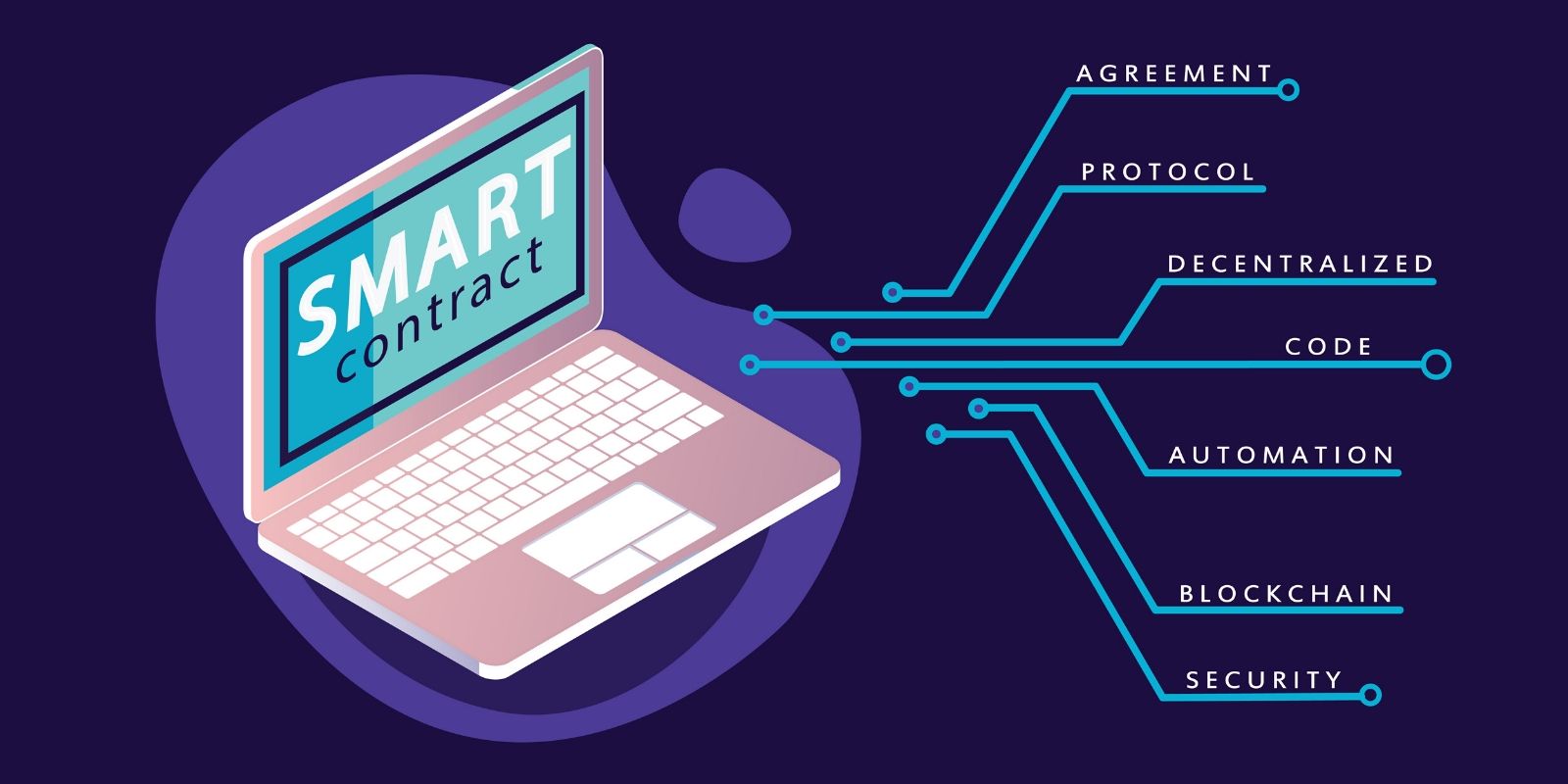
Introduction
The world of Web3 is growing fast, and Base — Coinbase's Layer 2 blockchain built on Ethereum — is becoming one of the most developer-friendly chains to build on. It offers low gas fees, Ethereum-level security, and a booming ecosystem of apps and users.
In this guide, you'll learn exactly how to write a smart contract, configure Hardhat for the Base network, and deploy it step-by-step — even if you've never touched blockchain development before.
By the end, you'll have a live, verified contract on Base Sepolia (testnet) — ready to share with the world.
What is Base?
Base is an Ethereum Layer 2 (L2) blockchain developed by Coinbase. It uses Optimistic Rollup technology to process transactions faster and cheaper than Ethereum mainnet, while still inheriting Ethereum's security.
Key facts about Base:
- Built on the OP Stack (same tech as Optimism)
- EVM-compatible — all Ethereum tools work on Base
- Average transaction fee: a fraction of a cent
- Backed by Coinbase — fast-growing user base
- Has both a Mainnet and a Sepolia Testnet for development
Tech Stack & Tools You'll Need
Before writing any code, here's an overview of everything involved:
- Node.js (v18+) | JavaScript runtime for running Hardhat | Free
- Hardhat | Smart contract development framework | Free
- Solidity | Smart contract programming language | Free
- MetaMask | Browser wallet to manage keys & sign txns | Free
- Alchemy / Infura | RPC provider to connect to Base network | Free tier
- Basescan API Key | Verify & publish contract source code | Free
- VS Code | Code editor (recommended) | Free
Required Skills & Knowledge
You don't need to be a senior developer, but having these basics will make this guide much smoother:
Must Know
- Basic JavaScript or TypeScript
- Terminal / Command Line usage (cd, mkdir, npm commands)
- How to install npm packages
Helpful But Optional
- Basic Solidity syntax
- Understanding of what a blockchain transaction is
- Familiarity with .env files and environment variables
Step 1 — Install Node.js
Node.js is required to run Hardhat. Download the LTS version from nodejs.org and install it.
Verify the installation by running:
1node --version
2npm --version
You should see version numbers printed. If not, restart your terminal and try again.
Step 2 — Create Your Hardhat Project
Open your terminal and run the following commands to set up a new project:
1mkdir my-base-contract
2cd my-base-contract
3npm init -y
4npm install --save-dev hardhat
5npx hardhat init
When prompted, choose: Create a JavaScript project. Accept all the default options. Hardhat will scaffold a project with sample files for you.
Step 3 — Install Required Dependencies
Install the Hardhat toolbox and dotenv for managing your private key securely:
1npm install --save-dev @nomicfoundation/hardhat-toolbox
2npm install dotenv
The hardhat-toolbox includes everything: ethers.js, Mocha for testing, contract verification plugins, and more.
Step 4 — Write Your Smart Contract
Inside the contracts/ folder, delete the sample file and create a new file called SimpleStorage.sol:
1// SPDX-License-Identifier: MIT
2pragma solidity ^0.8.19;
3
4contract SimpleStorage {
5    uint256 private storedValue;
6
7    event ValueChanged(uint256 newValue);
8
9    function set(uint256 _value) public {
10        storedValue = _value;
11        emit ValueChanged(_value);
12    }
13
14    function get() public view returns (uint256) {
15        return storedValue;
16    }
17}
This is a basic contract that stores a number on-chain and lets anyone read it. It's simple, safe, and perfect for learning deployment.
Step 5 — Configure Hardhat for Base
First, create a .env file in your project root and add your secrets:
PRIVATE_KEY=your_wallet_private_key_here
ALCHEMY_API_KEY=your_alchemy_api_key_here
BASESCAN_API_KEY=your_basescan_api_key_here
IMPORTANT: Never share your private key. Add .env to your .gitignore file immediately.
Now update hardhat.config.js with the Base Sepolia network configuration:
1require("@nomicfoundation/hardhat-toolbox");
2require("dotenv").config();
3
4module.exports = {
5  solidity: "0.8.19",
6  networks: {
7    baseSepolia: {
8      url: `https://base-sepolia.g.alchemy.com/v2/${process.env.ALCHEMY_API_KEY}`,
9      accounts: [process.env.PRIVATE_KEY],
10      chainId: 84532
11    }
12  },
13  etherscan: {
14    apiKey: {
15      baseSepolia: process.env.BASESCAN_API_KEY
16    },
17    customChains: [
18      {
19        network: "baseSepolia",
20        chainId: 84532,
21        urls: {
22          apiURL: "https://api-sepolia.basescan.org/api",
23          browserURL: "https://sepolia.basescan.org"
24        }
25      }
26    ]
27  }
28};
Step 6 — Get Base Sepolia Testnet ETH
You'll need test ETH to pay gas fees during deployment. It's free and takes 1 minute:
Go to: https://faucet.quicknode.com/base/sepolia
Connect your MetaMask wallet
Request test ETH — you'll receive it within seconds
Alternative faucet: https://sepoliafaucet.com
Make sure you have at least 0.01 Base Sepolia ETH before proceeding.
Step 7 — Write & Run the Deploy Script
Inside the scripts/ folder, create a file called deploy.js:
1const { ethers } = require("hardhat");
2
3async function main() {
4  console.log("Deploying SimpleStorage...");
5
6  const SimpleStorage = await ethers.getContractFactory("SimpleStorage");
7  const contract = await SimpleStorage.deploy();
8
9  await contract.waitForDeployment();
10
11  console.log("Contract deployed to:", await contract.getAddress());
12}
13
14main().catch((error) => {
15  console.error(error);
16  process.exit(1);
17});
Now run the deployment:
npx hardhat run scripts/deploy.js --network baseSepolia
If successful, you'll see: Contract deployed to: 0xYourContractAddress. Copy and save this address!
Step 8 — Verify Your Contract on Basescan
Verification publishes your source code publicly on Basescan so anyone can read it. Replace the address below with your deployed contract address:
npx hardhat verify --network baseSepolia 0xYourContractAddress
Once verified, visit https://sepolia.basescan.org and search for your contract address. You'll see a green checkmark and your full Solidity source code published for the world to see.
Common Issues & Troubleshooting
Error: insufficient funds
Your wallet doesn't have enough Base Sepolia ETH. Go back to the faucet and get more test ETH.
Error: invalid private key
Make sure your private key in .env starts without the 0x prefix — or with it, both work depending on the version. Try toggling.
Contract not verified
Double-check your BASESCAN_API_KEY in .env. Make sure there are no spaces. Also wait 30-60 seconds after deployment before running verify.
RPC connection error
Your Alchemy API key may be wrong or the URL format may be off. Log in to Alchemy, create a new Base Sepolia app, and copy the HTTPS endpoint directly.
What's Next?
Now that you've deployed your first smart contract on Base, here are some great next steps to level up:
- Add unit tests using Hardhat's built-in Mocha + Chai support
- Learn OpenZeppelin contracts — reusable, audited Solidity building blocks
- Build an ERC-20 token or NFT collection
- Connect your contract to a front-end using ethers.js + React
- Explore deploying to Base Mainnet when you're ready for production
Conclusion
Deploying a smart contract on Base is surprisingly approachable once you have the right setup. With Hardhat doing the heavy lifting — compiling, testing, and deploying — you can focus on writing great Solidity code.
Base's low fees, fast transactions, and EVM compatibility make it one of the best chains for developers entering Web3 in 2025. Whether you're building a DeFi protocol, an NFT marketplace, or a simple on-chain game, Base is a solid foundation to build on.
Happy building — and don't forget to share your contract address when you deploy! 🚀
Share this article
Found it helpful? Share it with your network.
Related Posts
Building MCP Servers with Cursor AI: A Complete Guide
Building MCP Servers with Cursor AI: A Complete Guide | TaylorAmitVerma Blogs

Building a Python Script to Convert Videos to Instagram Reels Format
Building a Python Script to Convert Videos to the Instagram Reels Format | TaylorAmitVerma Blogs

How to Install NVM, Install Node.js, and Manage Multiple Node Versions (Windows, macOS & Linux)
Learn how to install NVM on Windows, macOS, and Linux and manage multiple Node.js versions easily. Step-by-step guide to installing Node.js, switching versions, setting defaults, and using .nvmrc for projects. Perfect for beginners and developers.